MU: Dark Epoch is free to play on PC, and its requirements are about as low as current games get. The official minimum is Intel HD 4600 graphics, a Core i3-4330 and an 800 MB install. This guide covers what the game is, the install steps in order and what to check if it won’t launch.
What is MU: Dark Epoch?
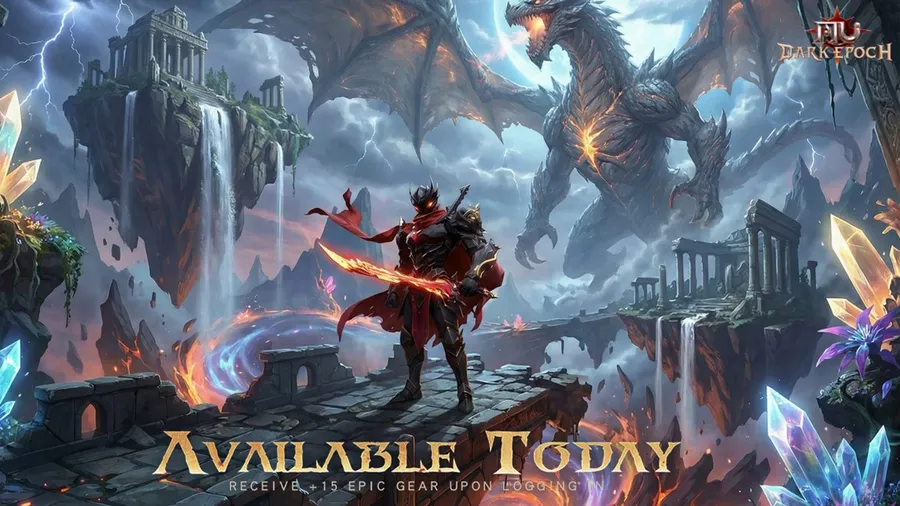
MU: Dark Epoch is a fantasy MMORPG from 37GAMES and the latest game in the long-running MU series. It came to PC on Steam on October 16, 2025. It brings back the series’ classic classes in remastered form, each with several branches to pick at class change.
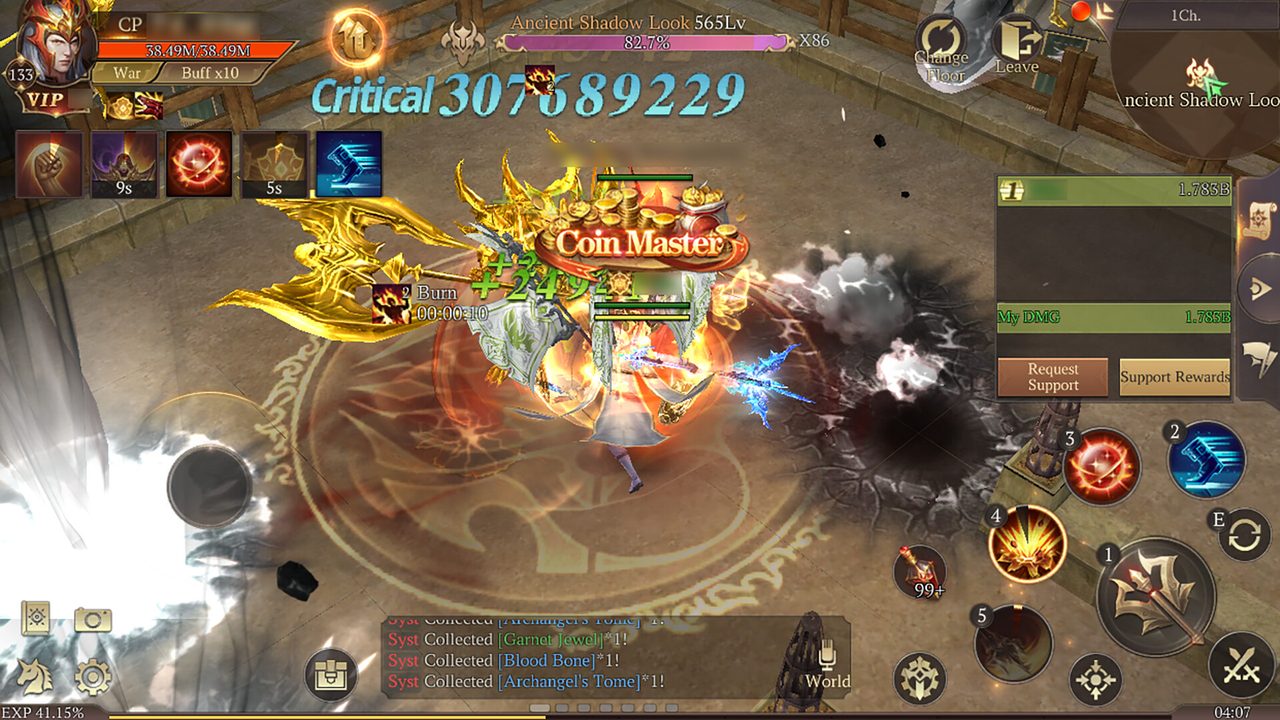
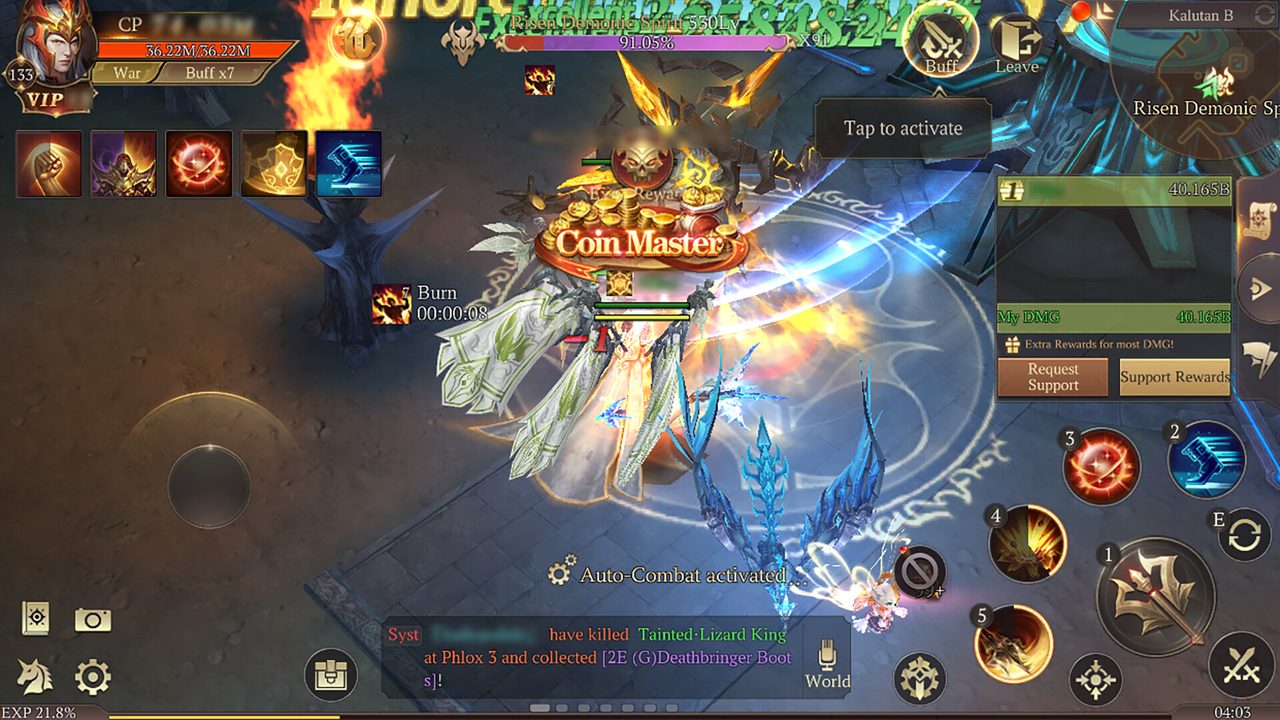
The core loop is the one MU players know: level up, chase better gear, team up for dungeons and fight other players. Guilds compete for dominance on each server, PvP centers on Roland City, and an auction house lets players trade freely.
MU: Dark Epoch PC system requirements
The game’s Steam listing gives a minimum spec only.
| Minimum | |
|---|---|
| OS | Windows 7 or later |
| CPU | Intel Core i3-4330 |
| RAM | 1 GB |
| GPU | Intel HD Graphics 4600 |
| Storage | 800 MB |
| Network | Broadband |
The listed install size is the base client. Like most online games, it downloads more content after you start, so keep a few extra gigabytes free. If you want to confirm what’s in your PC, our guide to checking a game’s system requirements shows where Windows lists each part.
How to download MU: Dark Epoch on PC
- Open the official download. Use the button below. It goes through our affiliate partner to the game’s official PC download.
- Add it to Steam. If you land on the Steam store page, click Play Game. Steam adds the game to your library and starts the install. You need a free Steam account.
- Launch and let resources download. The first launch downloads more game data. Leave it running until it finishes.
- Log in and create your character. Choose a class. You can read each class’s branches before you commit.
- Claim the login rewards. The official store page advertises an Archangel Set for logging in, so check the rewards menu after the tutorial.
What to know in your first hour
- Class branches come later. Your starting class branches at class change, so you don’t lock in a final build in the first hour.
- Gear upgrades drive progress. Most of your power comes from enhancing equipment, so don’t sell gear without checking its upgrade value.
- Guilds unlock content. Join an active guild early for group dungeons and guild events.
- Trade at the auction house. Free trading means rare drops have real value. Check the auction house before selling or discarding gear you can’t use.
How long does the MU: Dark Epoch download take?
Download time depends on your connection and the install size. The table below assumes about 2 GB, counting the extra data the game downloads after its 800 MB base client. Times are for the download itself, at the full speed of each connection.
| Connection | Approximate download time |
|---|---|
| 50 Mbps | about 5 min |
| 100 Mbps | about 3 min |
| 300 Mbps | under a minute |
| 1 Gbps | under a minute |
Real-world speeds usually land below a plan’s advertised figure, so treat these as best-case numbers. If the download runs far slower than your connection allows, check whether another device or app on your network is downloading at the same time, then pause and resume the download.
If MU: Dark Epoch won’t install or launch
Try these in the order worth trying them. Stop as soon as the problem is fixed.
- Verify the game files. In Steam, right-click the game and open Properties → Installed Files → Verify integrity of game files.
- Restart Steam. A stuck resource download often clears after Steam restarts.
- Update your graphics driver. On integrated graphics, get the driver from Intel or AMD rather than relying on Windows Update.
- Check your firewall. Allow the game through Windows Defender Firewall if it hangs at the login screen.
For anything beyond that, our PC game troubleshooting guide covers launch errors and crashes in more depth.
Ready to play
With requirements this low, the main thing between you and MU: Dark Epoch is the download. Grab it through the link below.
This download link is an affiliate link — see our Affiliate Disclosure for how that works. It doesn’t change anything about your download or account.