Ragnarok Online: World Journey is free to play on PC. It needs at least 12 GB of RAM, about 30 GB of storage and a steady internet connection. This guide explains what the game is and how its naming works, then covers the install steps in order and the fixes to try if it won’t start.
What is Ragnarok Online: World Journey?
Ragnarok Online: World Journey is an open-world MMORPG set in Midgard, the world of the classic Ragnarok Online. The game has a different name in each region. In Taiwan, Hong Kong and Macau it launched as RO仙境傳說:世界之旅, which translates to “World Journey”. In Southeast Asia it’s on Steam as Ragnarok: The New World, published by Gravity Game Vision.
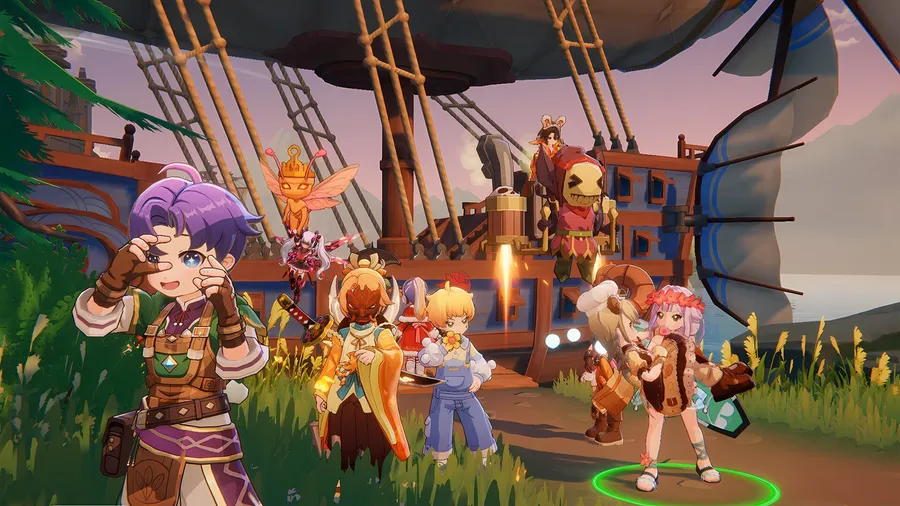
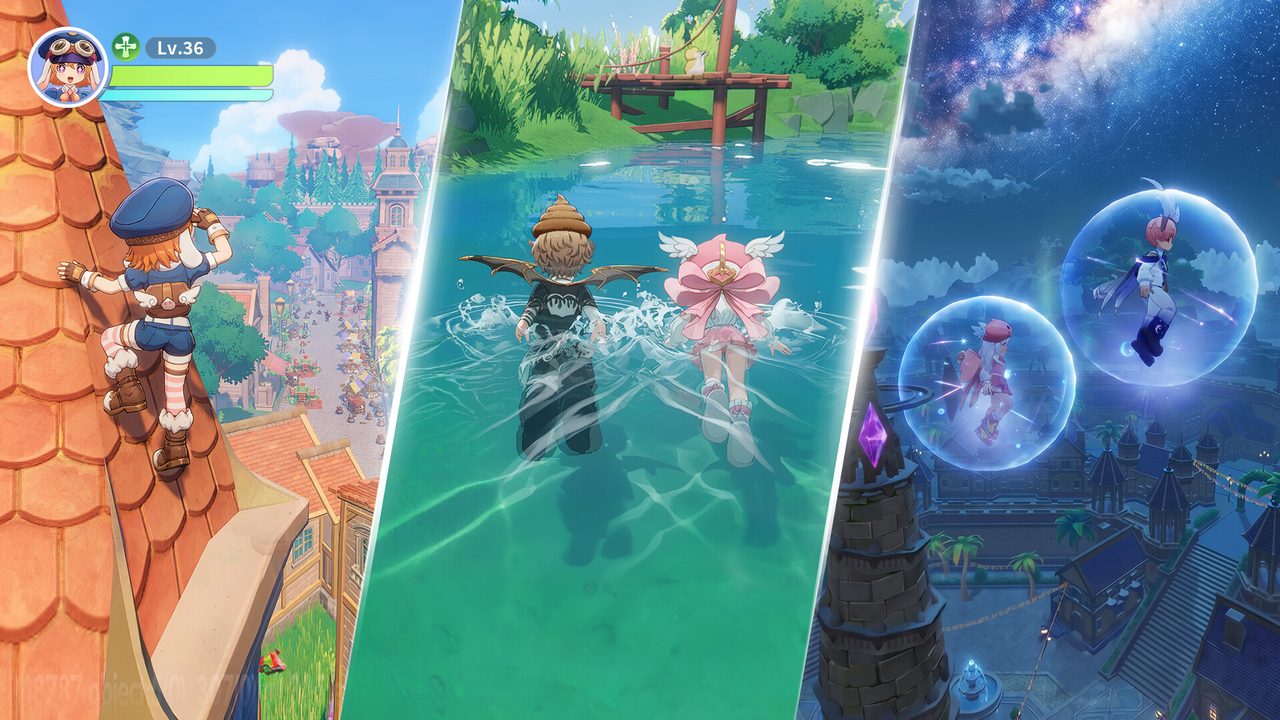
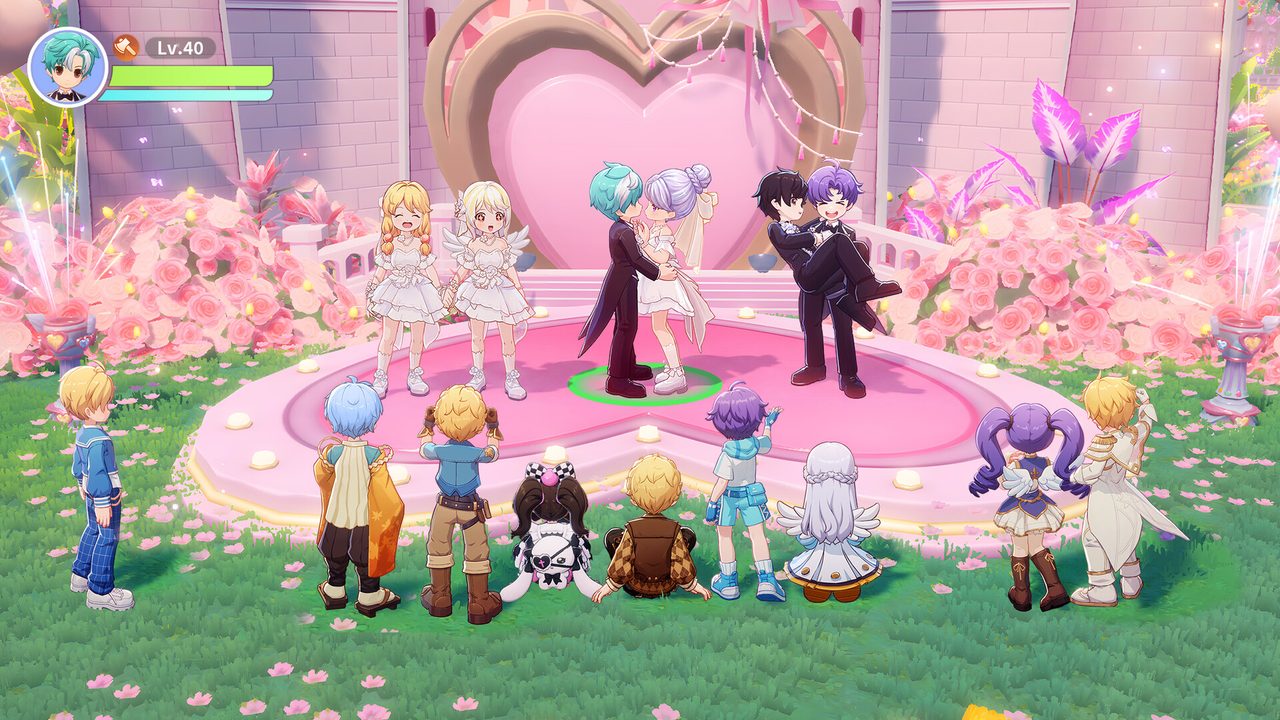
The official description calls it the first open-world Ragnarok. It keeps the cute, classic Midgard look with modern visuals and offers eight classes, including a new Druid that switches between Werewolf, Wereraptor and Human Arcanist forms. You can tame MVP monsters as mounts, trade freely and customize more than 100 looks.
PC requirements
The game’s Steam listing publishes a short spec sheet. It gives memory, storage and network figures but no CPU or GPU minimums.
| Minimum | Recommended | |
|---|---|---|
| RAM | 12 GB | 16 GB |
| Storage | 30 GB | — |
| Network | Broadband | Broadband |
RAM is the figure to check, because 8 GB machines fall below the minimum. Our guide to checking a game’s system requirements shows where Windows reports your installed memory. The listing also mentions support for up to 120 FPS on capable PCs.
How to download Ragnarok Online: World Journey on PC
- Free up about 30 GB. Use an SSD if you have one, because towns full of players load faster.
- Open the official download. Use the button below. It goes through our affiliate partner to the official Windows download for your region.
- Install the client. Run the installer and let it download the game files.
- Create or link your account. If you already play on mobile, sign in with the same account, because progress syncs between devices.
- Pick your class. Eight classes are available from the start. You can read each class’s role before you commit.
What to expect early on
- The world is open from the start. Unlike the original’s zone-by-zone maps, Midgard is one continuous world you can explore freely.
- Mounts come from MVPs. Some of the series’ famous boss monsters can be tamed and ridden, which is a big part of the long-term goals.
- Trading is player-driven. Free trading means the market matters. Don’t sell rare drops to the first offer you see.
How long does the Ragnarok Online: World Journey download take?
Download time depends on your connection and the install size. The table below assumes about 30 GB, and the client may fetch extra resources after the main download. Times are for the download itself, at the full speed of each connection.
| Connection | Approximate download time |
|---|---|
| 50 Mbps | about 1.3 hours |
| 100 Mbps | about 40 min |
| 300 Mbps | about 13 min |
| 1 Gbps | about 4 min |
Real-world speeds usually land below a plan’s advertised figure, so treat these as best-case numbers. If the download runs far slower than your connection allows, check whether another device or app on your network is downloading at the same time, then pause and resume the download.
If the game won’t install or launch
Try these in the order worth trying them. Stop as soon as the problem is fixed.
- Repair the client. Use the repair or file-check option in the launcher, or Properties → Installed Files → Verify integrity of game files on Steam.
- Update your GPU driver. Crashes when you enter a busy town often point to the driver.
- Check your region. Each regional version has its own servers and download. Use the official download for your region rather than a client from another one.
- Close overlays. Close recording and performance overlays one at a time, then relaunch.
For anything beyond that, our PC game troubleshooting guide covers launch errors and crashes in more depth.
Ready to set out
Install the client, sign in with your existing account if you have one, and pick a class.
This download link is an affiliate link — see our Affiliate Disclosure for how that works. It doesn’t change anything about your download or account.