Raid: Shadow Legends is free to play on PC, and it’s a small install at 5–8 GB. It needs 8 GB of RAM and any GPU that supports DirectX 11 or Vulkan. This guide covers the official specs, the install steps in order and what to check when the game won’t launch.
What is Raid: Shadow Legends?
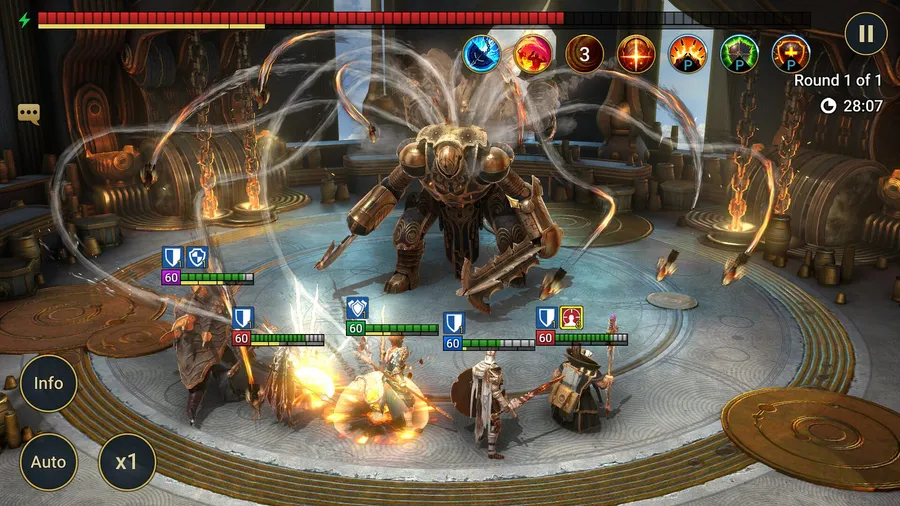
Raid: Shadow Legends is a free-to-play, turn-based collection RPG from Plarium. The Arbiter, the immortal guardian of the realm of Teleria, calls on you to stop the Dark Lord Siroth. You do it by collecting Champions and building teams.
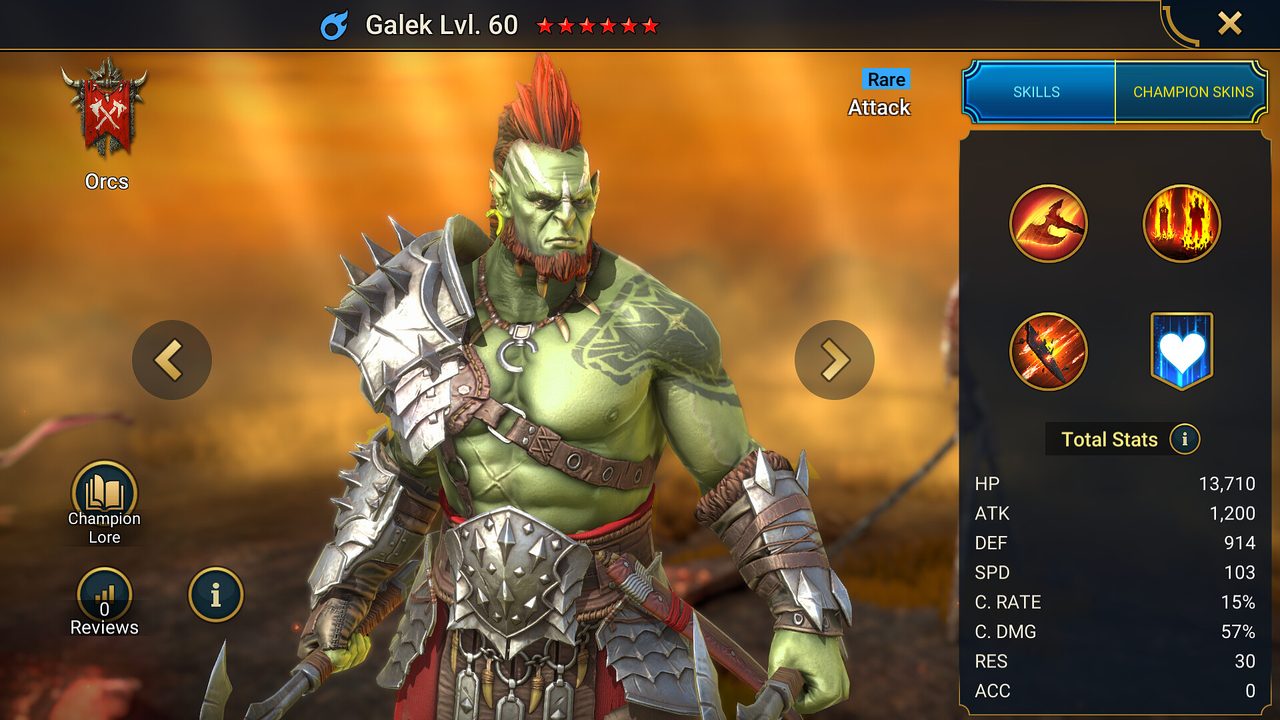
The roster is the main draw. There are more than 800 Champions across 16 playable factions, including Dark Elves, Ogryn warlords and Lizardmen. The game has eight modes, from the story campaign to PvP arena, clan bosses and dungeons.
Raid: Shadow Legends PC system requirements
These are the official specs from the game’s Steam listing. Both tiers need a 64-bit processor and operating system.
| Minimum | Recommended | |
|---|---|---|
| OS | Windows 10 21H1 / 11 21H2 | Windows 10 21H1+ / 11 21H2+ |
| CPU | x86/x64 with SSE2, or Arm64 | x86/x64 with SSE2, or Arm64 |
| RAM | 8 GB | 8 GB |
| GPU | DirectX 11 / Vulkan capable | DirectX 11+ / Vulkan capable |
| Storage | 5 GB | 8 GB |
The Windows version line is the one people miss. Windows 10 needs to be on version 21H1 or later. You can check it under Settings → System → About. Our guide to checking a game’s system requirements covers the rest of your specs.
How to download Raid: Shadow Legends on PC
- Check your Windows version. Run Windows Update first if you’re on a Windows 10 build older than 21H1.
- Open the official download. Use the button below. It goes through our affiliate partner to Plarium’s official PC download.
- Install the game. Run the installer, or click Play Game if you land on Steam. The download is small, so this step is quick.
- Sign in or create an account. If you play on mobile, link that account to a Plarium ID first, then sign in with it on PC.
- Follow the tutorial campaign. It hands you your first Champions and explains team building.
What to know as a new player
- Pick your starter Champion carefully. It’s your main damage dealer for the early campaign.
- Don’t spread resources thin. Level a small core team rather than every Champion you pull.
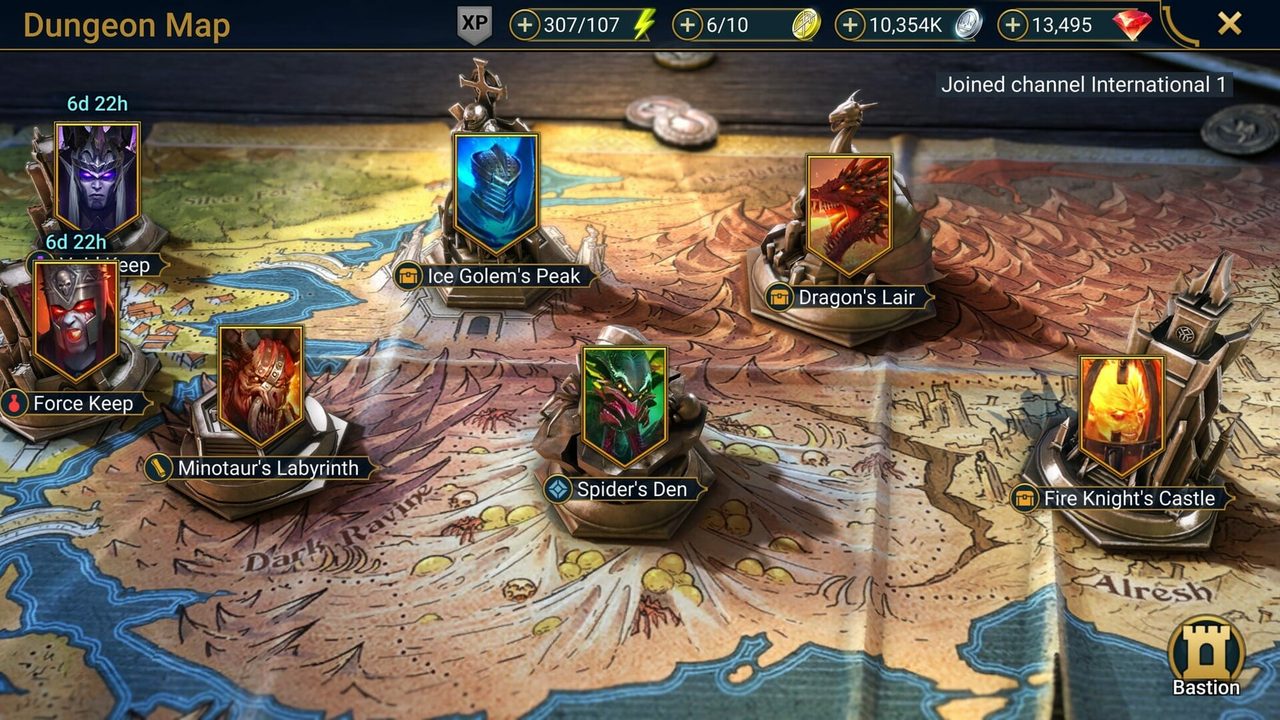
- Game modes unlock as you progress. Arena, dungeons and clan content open over the first days of play.
- Use the campaign to farm. Replaying campaign stages levels your Champions and gathers gear, so it stays useful long after the story is done.
How long does the Raid: Shadow Legends download take?
Download time depends on your connection and the install size. The table below assumes about 8 GB, which is small enough that most connections finish in minutes. Times are for the download itself, at the full speed of each connection.
| Connection | Approximate download time |
|---|---|
| 50 Mbps | about 21 min |
| 100 Mbps | about 11 min |
| 300 Mbps | about 4 min |
| 1 Gbps | about 1 min |
Real-world speeds usually land below a plan’s advertised figure, so treat these as best-case numbers. If the download runs far slower than your connection allows, check whether another device or app on your network is downloading at the same time, then pause and resume the download.
If Raid: Shadow Legends won’t install or launch
Try these in the order worth trying them. Stop as soon as the problem is fixed.
- Update Windows. An old Windows 10 build is the most common reason the game refuses to install.
- Verify the files. On Steam, open Properties → Installed Files → Verify integrity of game files. Plarium’s own launcher has a repair option.
- Update your graphics driver. The game needs DirectX 11 or Vulkan support, which an outdated driver can break.
- Check your connection. Raid is always online. A firewall or VPN blocking the connection looks like a stuck loading screen.
For anything beyond that, our PC game troubleshooting guide covers crashes and launch errors in more depth.
Ready to play
Raid installs in minutes on most PCs. Get it from the official link and sign in with your existing account if you have one.
This download link is an affiliate link — see our Affiliate Disclosure for how that works. It doesn’t change anything about your download or account.