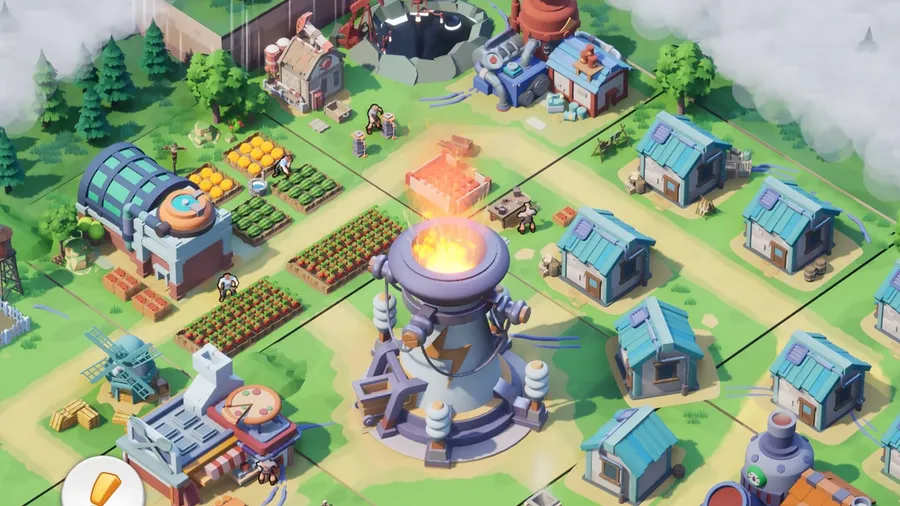
Tiles Survive! is a free survival management game from FunPlus, and it has an official Windows version. You don’t need an Android emulator. This guide covers what the game is, how to install it on PC and what to check if it won’t launch.
What is Tiles Survive!?
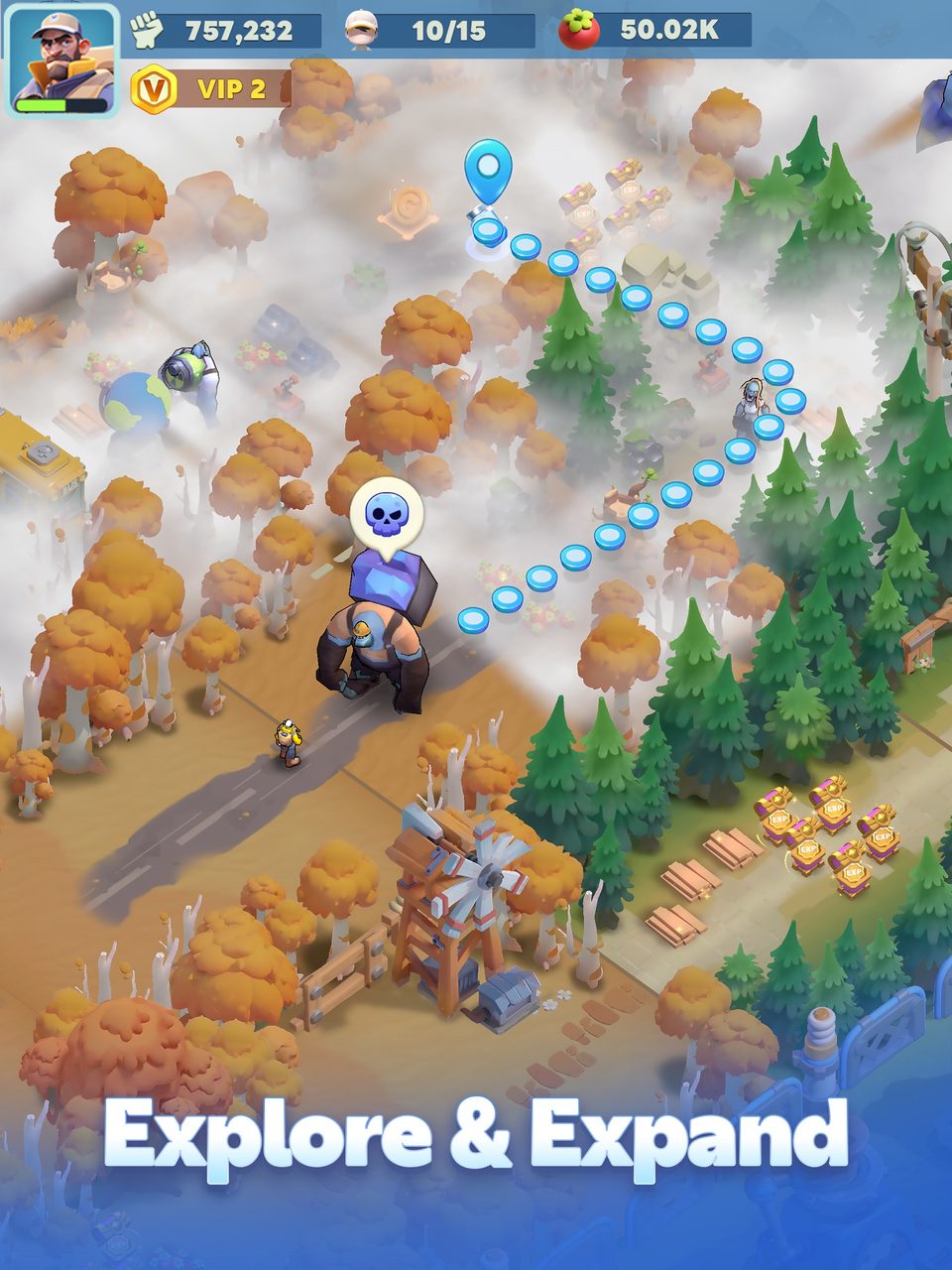
Tiles Survive! puts you in charge of a team of survivors in a harsh wilderness. You explore the land tile by tile, gather resources and use them to build up a shelter. Each new tile you unlock expands your territory.
The game is about management. You assign survivors to jobs such as hunter, chef or lumberjack, and you watch their health and morale to keep production up. You can also connect electricity to speed up your buildings. Further out, different biomes hold unique resources, and multiple maps hold loot and collectibles.
What your PC needs
Tiles Survive! isn’t on Steam, so there’s no formal Steam spec sheet. It’s an isometric management game rather than a 3D action game, so it’s light to run on PC. Most Windows 10 or 11 machines with a current graphics driver and a broadband connection handle it.
The official download page has the current requirements. If you’re unsure what’s in your PC, our guide to checking a game’s system requirements shows how to look it up.
How to download Tiles Survive! on PC
- Open the official download. Use the button below. It goes through our affiliate partner to the official Windows version.
- Run the installer. Install the client and let it download the game data.
- Sign in. Use the same account you play with on mobile to keep your shelter, or create a new one.
- Follow the opening tasks. They introduce gathering, building and assigning jobs one at a time.
- Leave the client updated. Updates add events and content, so let them install when prompted.
What to focus on early
- Assign every survivor. Idle survivors produce nothing. Match jobs to what your shelter is short of.
- Watch health and morale. Productivity drops when either falls, so keep food and comfort buildings upgraded.
- Connect power early. Electricity speeds up production. It’s one of the best early investments.
- Explore in steps. New tiles bring new resources, but every expansion also adds more to manage. Unlock tiles at the pace your survivors can work them.
- Check every biome. Different biomes hold different resources, so scout new areas before you commit builders to them.
Should you play Tiles Survive! on PC or on mobile?
You don’t have to choose for good. Your account holds your shelter and survivors, so the same save opens on PC and phone. Many players use both: the phone for quick check-ins, and the PC for longer sessions.
The PC version earns its place for the longer sessions. A larger screen shows more at once, which helps with managing survivors and long building queues. A mouse is more precise than a fingertip, and your phone’s battery and heat stop being a factor. The trade-off is that the PC client is a separate install that needs its own updates, so let it update before a planned session rather than at the start of one.
| PC | Mobile | |
|---|---|---|
| Screen | Large, more on screen at once | Small, portable |
| Controls | Mouse and keyboard | Touch |
| Battery and heat | Not a factor | Limits long sessions |
| Best for | Long sessions | Quick check-ins |
If Tiles Survive! won’t install or launch
Try these in the order worth trying them. Stop as soon as the problem is fixed.
- Restart the client. A stalled download usually resumes after a restart.
- Reinstall the client. Your shelter is saved to your account, not your PC, so you lose nothing.
- Update your graphics driver. It’s the usual fix for a black screen at launch.
- Check your connection. The game is online, and a VPN or strict firewall can block the login.
For anything beyond that, our PC game troubleshooting guide covers launch errors and crashes in more depth.
Ready to survive
The install is quick and light. Download the official Windows version and start expanding your shelter.
This download link is an affiliate link — see our Affiliate Disclosure for how that works. It doesn’t change anything about your download or account.