Where Winds Meet is free to play on PC, but it’s one of the larger installs around. It needs 130 GB at minimum, 200 GB at the recommended spec and 16 GB of RAM. This guide covers the official specs, the install steps in order and what to check if the game won’t start.
What is Where Winds Meet?
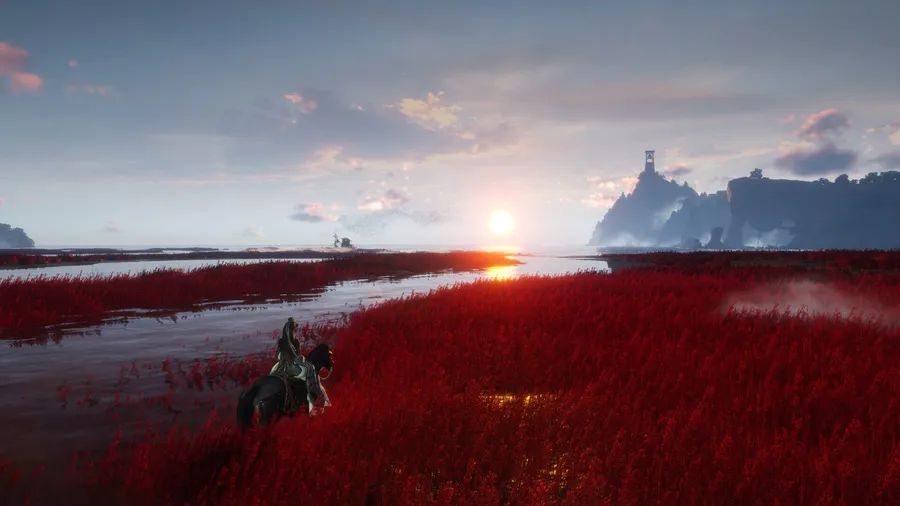
Where Winds Meet is an open-world Wuxia action-adventure RPG from Everstone Studio, published by NetEase Games. It’s set in ancient China. You start as a village wanderer with an unclear past and work your way up to the imperial capital.
Combat draws on Chinese martial arts. You can learn techniques from martial sects and master more than 30 mystic arts, from Tai Chi to Lion’s Roar. Beyond fighting, the world includes crafting, architecture, medicine, music and folk games, which the developers count as 16 interlocking systems. The PC version launched on November 14, 2025.
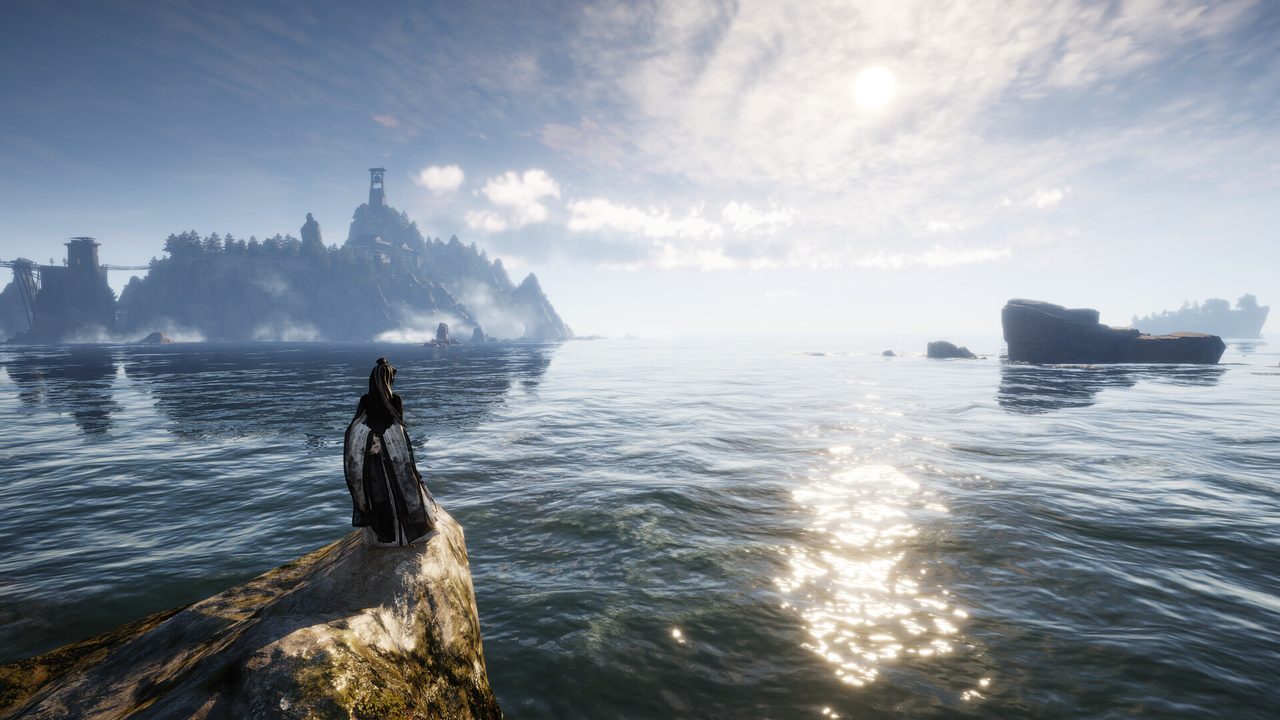
Where Winds Meet PC system requirements
These are the official specs from the game’s Steam listing.
| Minimum | Recommended | |
|---|---|---|
| OS | Windows 10/11 64-bit | Windows 10/11 64-bit |
| CPU | Core i7-7700K / Ryzen 5 1600 | Core i7-10700 / Ryzen 7 3700X |
| RAM | 16 GB | 32 GB |
| GPU | GTX 1060 6GB / RX 480 8GB | RTX 2070 Super / RX 6700 XT / Arc A750 |
| DirectX | 12 | 12 |
| Storage | 130 GB | 200 GB |
The storage line is the one that catches people out. Check free space on the drive you plan to use before you start. Our guide to checking a game’s system requirements also covers finding your GPU’s VRAM, which matters here because the minimum GPUs are the 6 GB and 8 GB versions.
How to download Where Winds Meet on PC
- Free up space on an SSD. Clear at least 130 GB, or 200 GB for the higher-quality setup. The developers recommend an SSD, and an open world this size stutters on a hard drive.
- Open the official download. Use the button below. It goes through our affiliate partner to the game’s official PC download.
- Install the client. Run the official installer, or click Play Game if you land on Steam, and pick the SSD.
- Sign in. Create or link your account. Because the game has cross-progression, use the same account you’d use on console or mobile.
- Let the download finish. Don’t start the game until the client says the download is complete. Partial installs are the main cause of first-launch crashes.
Settings to check before you explore
- Graphics preset. Start one step below the auto-detected preset on minimum-spec hardware. Raise it once you know how the open world runs.
- Shadows and draw distance. These two cost the most in wide landscapes. Lower them before resolution.
- Frame rate cap. A steady cap feels better than a high but unstable frame rate, especially during mounted travel.
How long does the Where Winds Meet download take?
Download time depends on your connection and the install size. The table below assumes about 130 GB, and the higher-quality setup needs up to 200 GB. Times are for the download itself, at the full speed of each connection.
| Connection | Approximate download time |
|---|---|
| 50 Mbps | about 5.8 hours |
| 100 Mbps | about 2.9 hours |
| 300 Mbps | about 58 min |
| 1 Gbps | about 17 min |
Real-world speeds usually land below a plan’s advertised figure, so treat these as best-case numbers. If the download runs far slower than your connection allows, check whether another device or app on your network is downloading at the same time, then pause and resume the download.
If Where Winds Meet won’t install or launch
Try these in the order worth trying them. Stop as soon as the problem is fixed.
- Verify the game files. Use the client’s repair option, or Properties → Installed Files → Verify integrity of game files on Steam.
- Update the GPU driver. Both official specs list DirectX 12, and older drivers are the usual cause of crashes at startup.
- Check free space. Patches need room to unpack. A full drive can break an update partway through.
- Close overlays and background recorders. Close them one at a time, then relaunch.
If it still fails, our PC game troubleshooting guide covers launch failures, crashes and stutter in more depth.
Ready to install
The download is large, so start it before you plan to play. Once it’s done, the game opens in your home village.
This download link is an affiliate link — see our Affiliate Disclosure for how that works. It doesn’t change anything about your download or account.