A mouse is one of the two things you physically touch the entire time you play — it’s worth getting right, and it doesn’t have to be expensive to be good.
The mouse is one step in our guide to which gaming gear to buy first.
What actually matters
- Shape and grip fit — the single biggest factor in whether a mouse feels good, and the one spec sheets can’t tell you. If possible, try a mouse (or a similarly-shaped one) before buying.
- Sensor quality — modern sensors from Logitech, Razer and others are all accurate enough for competitive play at 400–1600 DPI; don’t chase max DPI numbers.
- Weight — lighter mice (under ~70g) are easier to flick quickly but can feel less substantial. This is preference, not a strict “lighter is better” rule.
- Wireless latency — look specifically for a 2.4GHz wireless connection (not Bluetooth-only) for competitive use.
A well-regarded lightweight pick
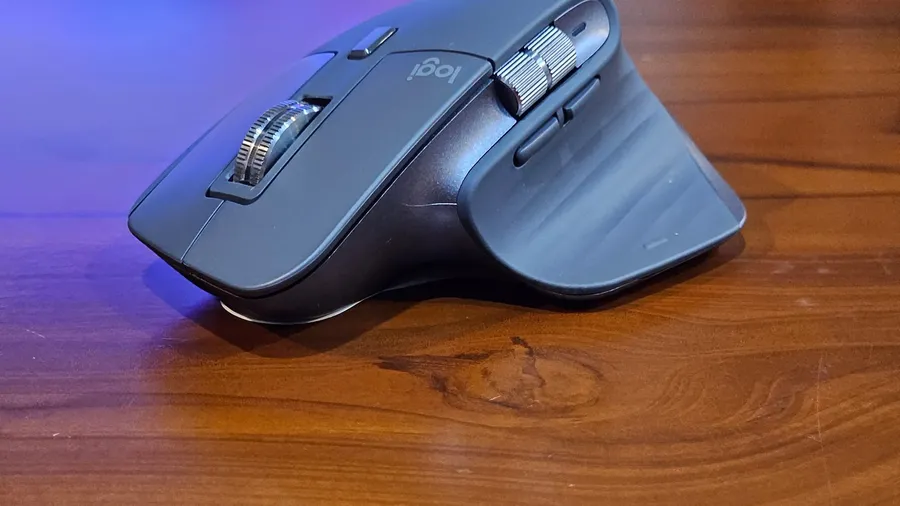
The Logitech G Pro X Superlight 2 below is a widely-used example in the lightweight wireless category — useful as a reference point for what this tier of mouse looks like, whichever brand you end up choosing.
Buying advice by use case
Competitive/esports-focused: prioritize low weight and a shape suited to your grip style over extra buttons or RGB.
General use / mixed gaming: a slightly heavier mouse with more side buttons is often more comfortable for browsing and productivity between game sessions.
Budget-constrained: wired mice in the $20–40 range from major brands use similar sensor tech to their wireless flagships — you’re mainly giving up the cable-free convenience, not accuracy.
See our Best Gaming Setup Under $1,000 guide for how a mouse purchase fits into a full setup budget.