A controller is often more comfortable than mouse and keyboard for racing, platformers, action games and couch play on a TV. On PC, the right one mostly comes down to compatibility and durability.
For how a controller fits alongside a mouse, headset and monitor, see our gaming gear buying guide.
Compatibility comes first
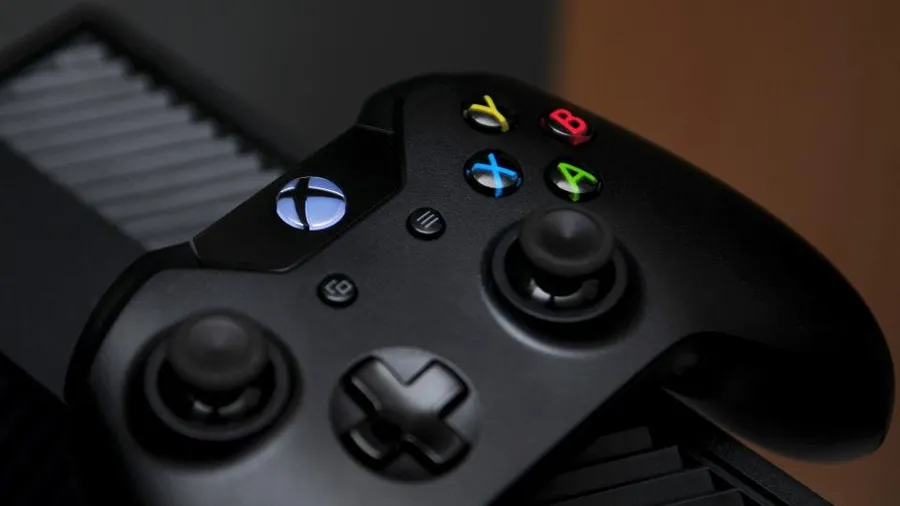
- Xbox controllers have the smoothest PC experience. Windows recognizes them natively, and games show matching button prompts almost everywhere.
- PlayStation controllers (DualShock 4, DualSense) work very well through Steam Input and in a growing number of games directly. Outside Steam, some games need extra configuration.
- Third-party controllers vary a lot. Look for explicit “XInput” or “Windows” support in the listing.
Wired, 2.4GHz or Bluetooth?
- Wired USB: lowest latency and never needs charging.
- 2.4GHz dongle: close to wired responsiveness without a cable.
- Bluetooth: convenient and fine for most games, but latency is somewhat higher and it’s more prone to interference.
Features that are worth paying for
- Hall-effect (magnetic) sticks are the best protection against stick drift.
- Back paddles let you jump or reload without taking your thumb off the right stick. They’re very useful in shooters.
- Trigger stops shorten trigger travel for faster shots in FPS games.
- Swappable sticks and a replaceable battery make the controller last longer.
A simple recommendation
For the least hassle, a standard Xbox Wireless Controller is the safe default. If you already own a PlayStation controller, you probably don’t need a new one. Just set it up properly.
Using a PS5 Controller on PC