Keyboard size has a direct effect on gaming comfort. The narrower the board, the more room your mouse gets and the closer your hands sit to shoulder width. The trade-off is fewer dedicated keys.
Layout is one of the keyboard choices covered in our guide to picking gaming gear that fits you.
The common sizes
| Size | What’s removed | Good for |
|---|---|---|
| Full-size (100%) | Nothing | Spreadsheets, number entry, MMOs with lots of binds |
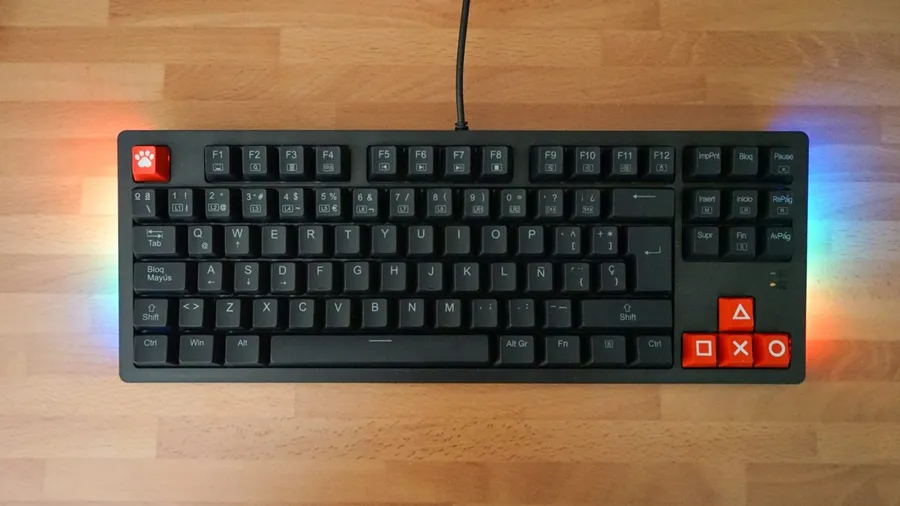
| TKL (80%) | Number pad | Most gamers: keeps every key a game is likely to use |
| 75% | Numpad, plus the navigation keys squeezed into one column | Compact desks where you still want F-keys and arrows |
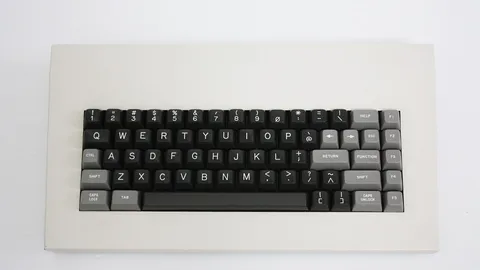
| 65% | Numpad and function row | Arrow keys without much width |
| 60% | Numpad, function row, arrows, navigation keys | Low-sensitivity FPS players who want the most mouse space |
Why smaller boards are popular for FPS
If you use a low sensitivity, you move your mouse arm a lot. A full-size keyboard pushes the mouse further to the right, and many players end up angling the keyboard or bumping into it. Dropping the numpad alone saves roughly 8–9cm of desk width.
What you actually lose
- The number pad only matters if you enter numbers often or bind abilities to it.
- The function row is used for screenshots, quick saves, and overlays in some games. On 60–65% boards it moves to a layer (Fn + number key), which works fine but takes some getting used to.
- Arrow keys matter more for productivity and older games than for modern titles.
A sensible default
If you’re not sure, go TKL. It’s the size that fits most people. Go smaller only if you know you’ll use the extra mouse space and don’t mind layer shortcuts.
Next: Choose Your Switches