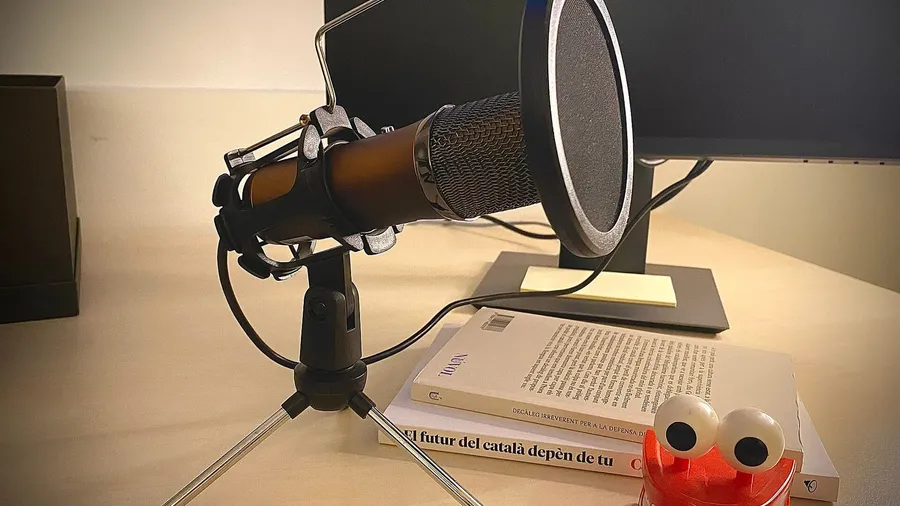
The best USB microphone for most gamers is a dynamic mic placed close to your mouth. It records your voice and ignores most of the clatter around it: mechanical keys, mouse clicks, PC fans and the echo of a bare room.
Condenser mics sound brighter and more detailed, but they hear everything. This guide compares five USB mics, both types, and explains which suits a gaming desk, a streaming setup or a tight budget.
As an Amazon Associate, Gamesness earns from qualifying purchases. We have not bench-tested these microphones ourselves. The picks are based on the manufacturers’ published specifications, and each link goes to the Amazon listing we checked for that model.
USB microphones compared
| Microphone | Type | Pattern | Outputs | Best for |
|---|---|---|---|---|
| Shure MV7+ | Dynamic | Cardioid | USB-C and XLR | Best overall |
| RØDE PodMic USB | Dynamic | Cardioid | USB-C and XLR | Rich broadcast sound |
| Elgato Wave:3 | Condenser | Cardioid | USB-C | Streamers using OBS |
| HyperX QuadCast 2 S | Condenser | Cardioid, omni, bidirectional, stereo | USB-C | RGB setups and multiple patterns |
| HyperX SoloCast 2 | Condenser | Cardioid | USB-C | Budget upgrade from a headset |
Specifications are from the manufacturers. Cardioid means the mic picks up sound mainly from the front, which is what you want for one voice.
The picks
Shure MV7+: best overall
The MV7+ is a dynamic microphone with both USB-C and XLR outputs, so it plugs straight into a PC today and into an audio interface later if you upgrade. It is the updated version of the MV7, one of the most popular streaming mics.
Its processing is the reason to buy it. Shure lists Voice Isolation, Auto Level Mode, a Real-time Denoiser and a Digital Popper Stopper, all set in the free MOTIV Mix app. The LED touch panel shows your level and mutes the mic with a tap.
Check price on AmazonRØDE PodMic USB: best for a rich broadcast sound
The PodMic USB is a large end-address dynamic mic built for speech, with USB-C and XLR outputs. RØDE builds in a Revolution Preamp and APHEX processing, with presets and controls for a noise gate, compressor and high-pass filter.
It has an internal pop filter and shock mount, a headphone output with zero-latency monitoring, and an integrated swing mount for a boom arm. It is heavy, so pair it with a sturdy arm rather than a desk stand.
Check price on AmazonElgato Wave:3: best for streamers
The Wave:3 is a cardioid condenser mic that records at 24-bit/48kHz over USB-C. Its standout feature is Clipguard, which switches to a second, quieter signal when you shout, so sudden yells don’t distort.
The free Wave Link software works as a digital mixer: it lets you balance your mic, game, music and Discord as separate channels and send a different mix to your stream than to your headphones. That makes it the easiest mic here to run with OBS.
Check price on AmazonHyperX QuadCast 2 S: best for RGB setups
The QuadCast 2 S is a condenser mic with four polar patterns: cardioid for one voice, omnidirectional for a room, bidirectional for two people face to face, and stereo. HyperX rates it at up to 32-bit/192kHz.
It has tap-to-mute on top, a multifunction knob for gain, headphone volume, monitor mix and pattern, a 3.5mm headphone output and a detachable shock mount. The 100+ addressable RGB LEDs are the obvious draw if your desk is lit.
Check price on AmazonHyperX SoloCast 2: best budget USB mic
The SoloCast 2 is a compact cardioid condenser mic with a built-in pop filter, an internal shock mount and tap-to-mute with an LED that shows whether you’re live. It connects over USB-C and has threads for a mic arm.
It has no headphone output and only one pattern, which is all most people need for Discord and casual streaming. It is the simplest step up from a headset mic.
Check price on AmazonDynamic or condenser: which should you buy?
Choose dynamic (MV7+, PodMic USB) if you use a mechanical keyboard, have a loud PC, or play in a room with hard walls. Dynamic mics need you to speak close to them, and in return they reject most of the room.
Choose condenser (Wave:3, QuadCast 2 S, SoloCast 2) if your room is quiet and soft-furnished, or you want to sit a little farther from the mic. Turn the gain down and use a noise gate in your streaming software to keep keystrokes out.
Our guide to USB vs XLR microphones explains when XLR and an audio interface are worth the extra cost.
How to set up a USB microphone
Mount it on an arm. A boom arm puts the mic close to your mouth and away from your keyboard, which matters more than which mic you buy. Desk stands pick up every bump and key press.
Set the gain, then the distance. Speak at your normal volume and raise the gain until the loudest parts peak around -12dB to -6dB in your software. If the mic picks up too much room, move it closer and lower the gain.
Select it in Windows and every app. Set it as the default input in Windows Sound settings, then select it again in Discord, OBS and the game’s voice settings, which often keep their own device choice.
Add a pop filter if it has none. Hard “p” and “b” sounds cause thumps. The PodMic USB and SoloCast 2 have one built in; the MV7+ handles it in software.
Building a full streaming desk? Our beginner streaming setup guide and the best webcams for streaming cover the rest.