Your internet plan sets your speed, but your home network decides whether that speed is stable. For online games, stability matters most.
The network is one part of a complete setup, covered with the rest in our gaming setup guide for desk and connectivity.
Why wired still wins
A cable gives you a dedicated, interference-free link to your router. Wi-Fi shares the airwaves with every other device and with your neighbors’ networks, and walls weaken it. The result is jitter (ping that jumps around) and packet loss, which feel far worse in-game than a slightly higher but steady ping.
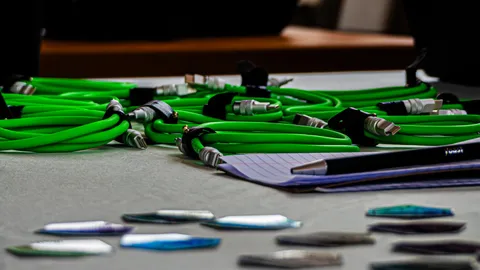
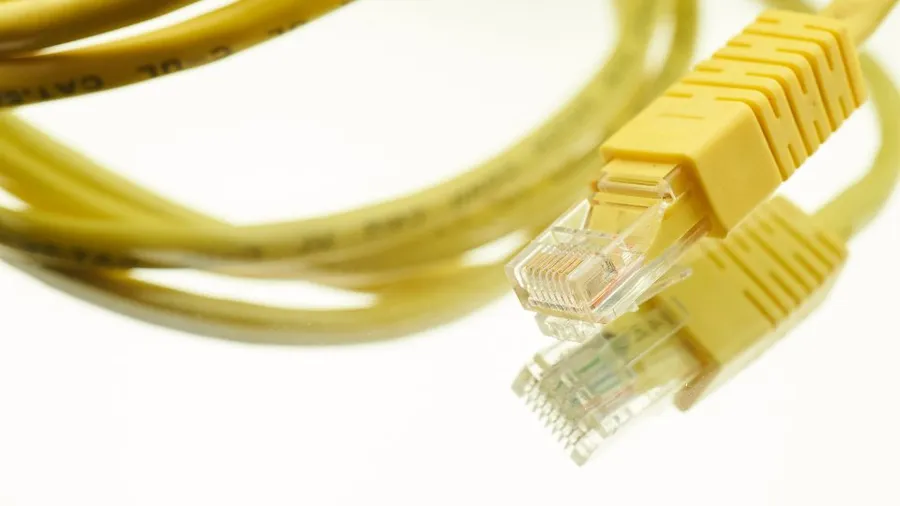
If you can run an Ethernet cable to your PC or console, do it. Cat 5e or Cat 6 is fine. Flat cables can run under rugs and along baseboards.
When a cable isn’t practical
In rough order of reliability:
- MoCA adapters: send network data over your home’s existing coaxial TV cable. Often very close to real Ethernet, if you have coax outlets.
- Powerline adapters: send data through your electrical wiring. Performance depends heavily on the wiring. Plug them directly into wall sockets, never into power strips.
- Mesh Wi-Fi with a wired backhaul, or a mesh node right next to your setup connected to your PC by a short cable.
- Good Wi-Fi on the 5GHz or 6GHz band, with the PC as close to the router as possible.
Getting more out of Wi-Fi
- Move the router up high, in the open, and as central as possible, not in a cupboard or behind the TV.
- Use the 5GHz or 6GHz band for gaming. 2.4GHz travels further but is more crowded and slower.
- Use a proper PCIe or motherboard Wi-Fi card with external antennas, not a tiny USB adapter.
- Keep other heavy traffic (downloads, 4K streaming) off the network while you play, or turn on QoS on your router if it has it.